 Sheetwise
Wooden Christmas Ornament Patterns
Free printable wooden Christmas ornament patterns from Sheetwise (plycutplan.com): 33 scroll saw designs about 4 in on the long side, made for 1/8 in Baltic birch plywood, each with a laser cut SVG in the Project Pass.
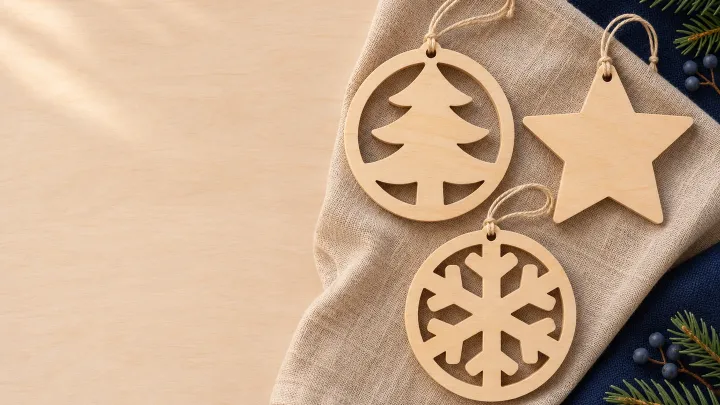
All ornament patterns, easiest first
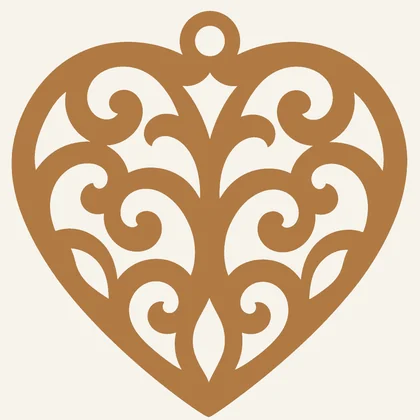 Heart Ornament
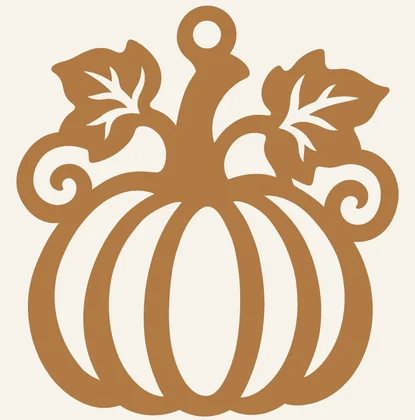 Pumpkin Ornament
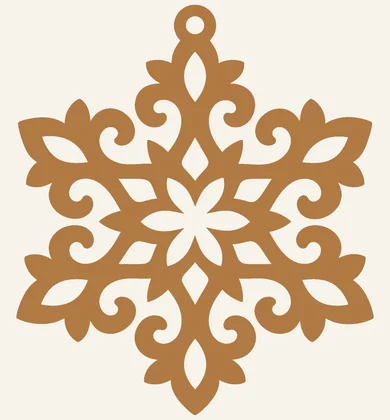 Snowflake Ornament
 Angel Ornament
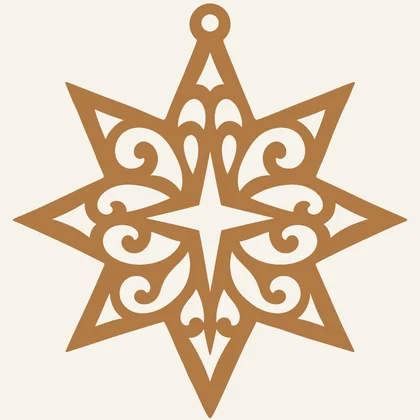 Star of Bethlehem Ornament
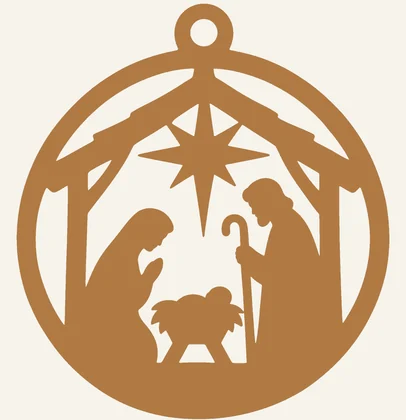 Nativity Ornament
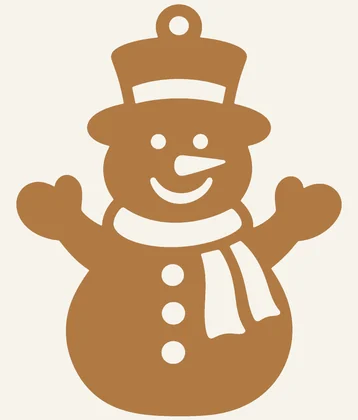 Snowman Ornament
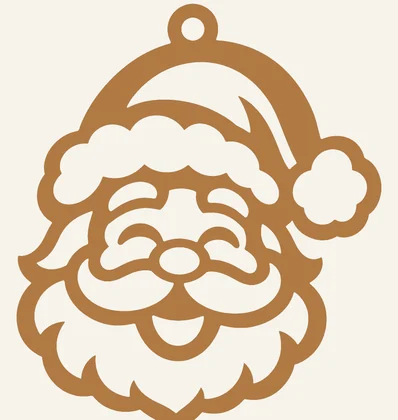 Santa Face Ornament
 Christmas Bells Ornament
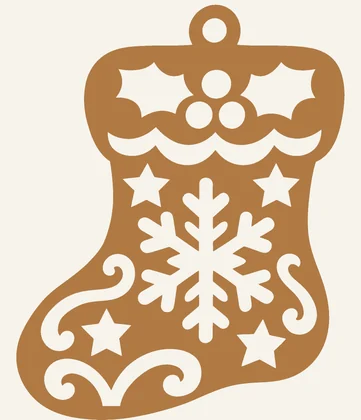 Christmas Stocking Ornament
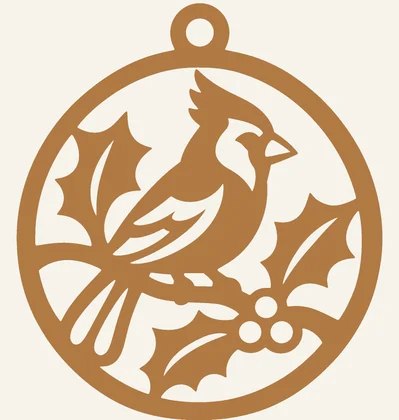 Cardinal Ornament
 Peace Dove Ornament
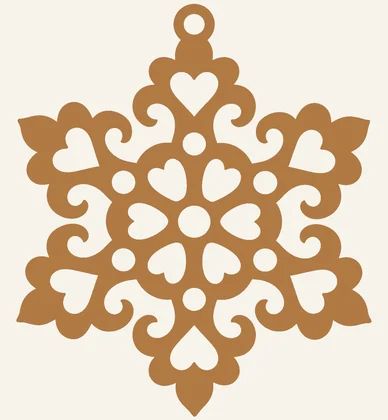 Lace Snowflake Ornament
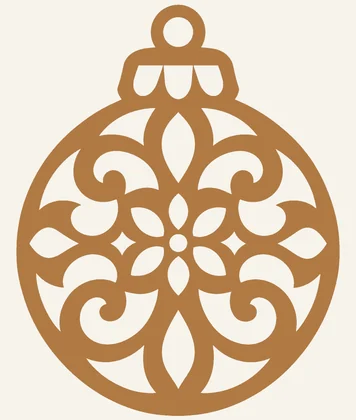 Filigree Bauble Ornament
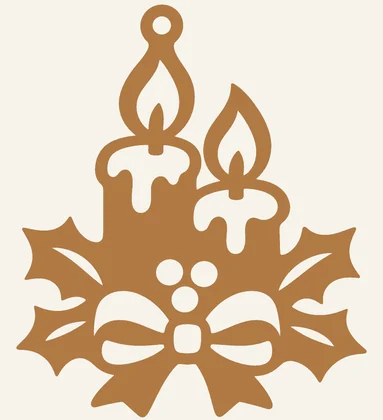 Christmas Candle Ornament
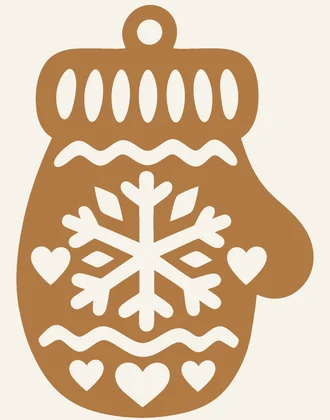 Mitten Ornament
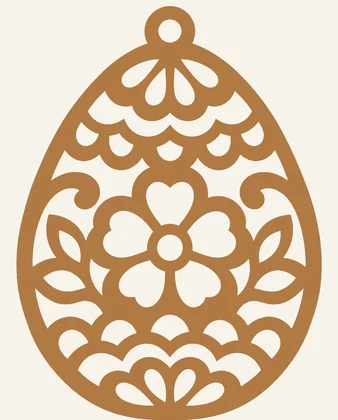 Easter Egg Ornament
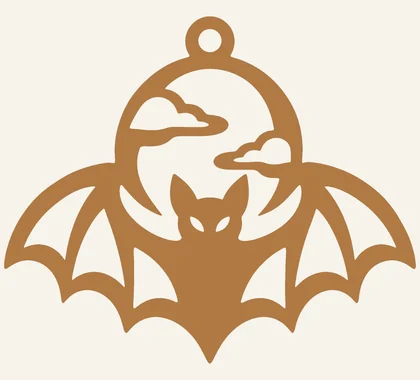 Bat Ornament
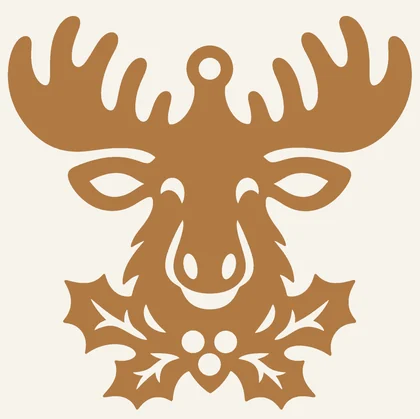 Moose Ornament
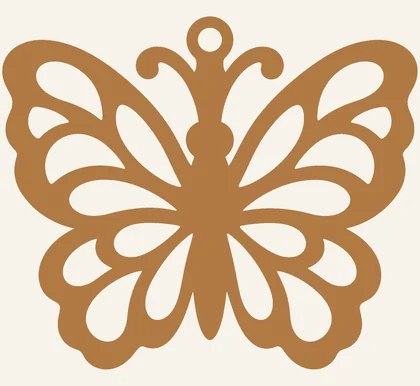 Butterfly Ornament
 Lace Star Ornament
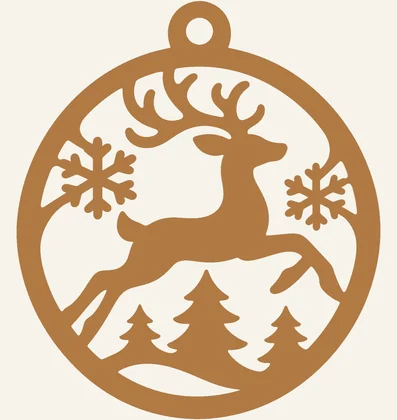 Reindeer Ornament
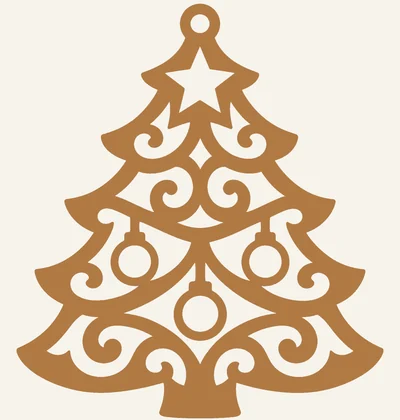 Christmas Tree Ornament
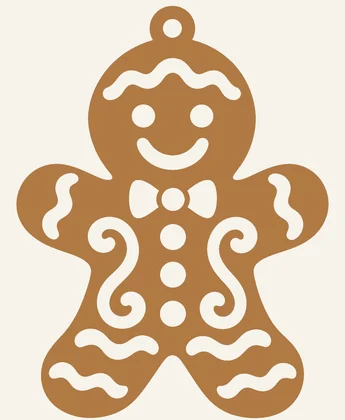 Gingerbread Man Ornament
 Christmas Wreath Ornament
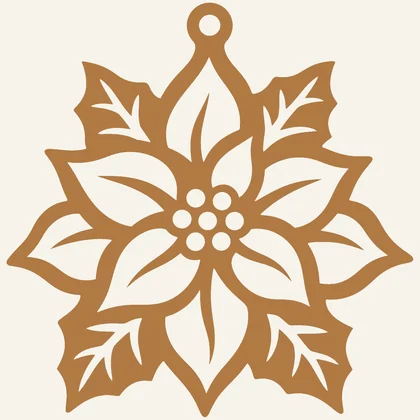 Poinsettia Ornament
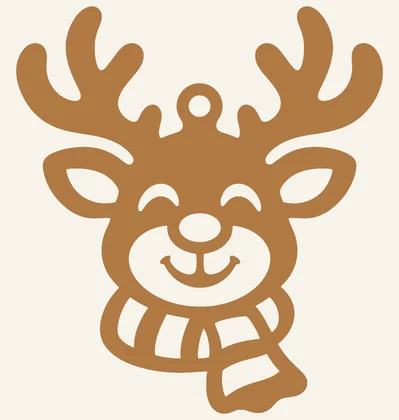 Reindeer Head Ornament
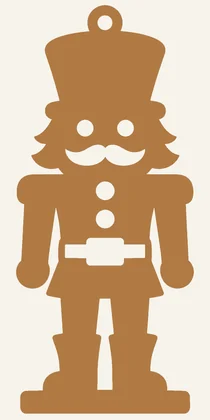 Nutcracker Ornament
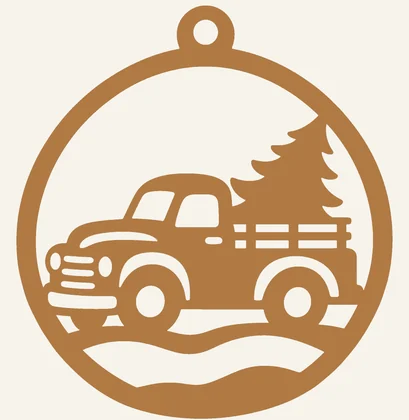 Christmas Truck Ornament
 Church Ornament
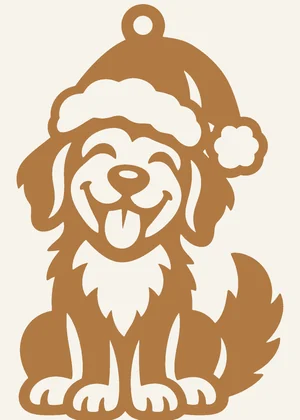 Dog with Santa Hat Ornament
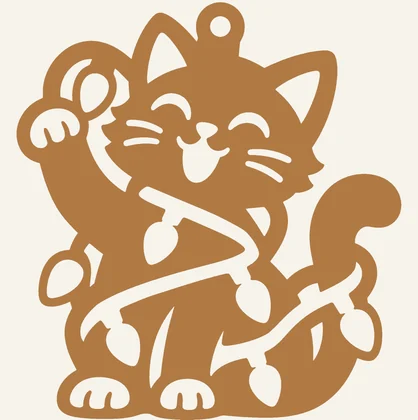 Cat with Christmas Lights Ornament
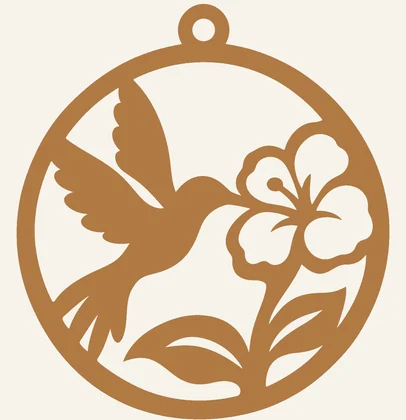 Hummingbird Ornament
How many ornaments from one sheet
With a 4.5 × 4.5 in blank per ornament and ⅛ in kerf between blanks:
- 12 × 12 in sheet: 4 ornaments
- 12 × 24 in sheet: 10 ornaments
- 24 × 48 in sheet: 50 ornaments
Mixing sizes or using offcuts? Enter the blanks in the free plywood cut calculator.
Cutting and finishing
Use 1/8 in (3 mm) Baltic birch and a fine reverse-tooth blade. Drill the hanging loop hole first so the ornament can be held steady. Finish with a light sanding, then stain, paint or leave natural; a ribbon or twine through the loop finishes it.
On a laser
Each ornament is one connected shape. Import the SVG at its stated size and set it to cut. Run a test cut on a scrap of the same plywood first; designs with many small openings benefit from air assist.
Questions
What wood is best for scroll saw ornaments?
1/8 in (3 mm) Baltic birch plywood: it is flat, strong across the grain and cuts cleanly. Stack-cut two or three blanks taped together to make several at once.
How many ornaments can I cut from one sheet?
About 10 from a 12 × 24 in sheet, using a 4.5 in square blank per ornament and ⅛ in kerf.
How do I print a pattern at the right size?
Open the PDF and print at 100% or “Actual size”, not “Fit to page”. Measure the 1 inch check square in the corner before you use it. Every design has a US Letter and an A4 PDF.
Are the laser SVG files free?
The printable PDFs are free. The vector SVG files for laser cutters are included with the 7-day Project Pass: $4.90 once, no subscription, and every SVG in the library can be downloaded during those seven days.
About these designs
Designs are drawn with AI image tools, then cleaned and measured by our own software: it removes floating pieces, counts entry holes and finds the narrow bridges at the printed size. Check the printout before you cut.