 Sheetwise
Laser Cut Files for Wood (SVG)
Laser-ready SVG files from Sheetwise (plycutplan.com): 150 cut designs for plywood and 78 engraving designs, sized in real inches so they import into LightBurn, xTool Creative Space or Glowforge at the right scale.
How the files work
Cut designs are single connected shapes: set the outline to line or cut mode and the piece comes out whole. Engraving designs are line art: use fill or engrave mode. Every page shows the finished size, and a free printable PDF lets you check the design on paper first.
The SVG files are included with the 7-day Project Pass ($4.90, one payment, no subscription). During those seven days you can download every SVG in the library and export cut-list work packs from the calculator.
Cut files · scroll saw designs
 Cardinal on a Pine Branch
 Whitetail Buck in the Forest
 Howling Wolf and Full Moon
 Bald Eagle in Flight
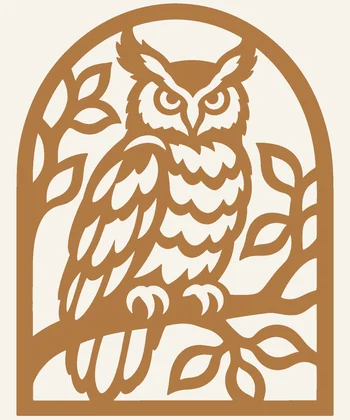 Owl on a Branch
 Hummingbird and Flowers
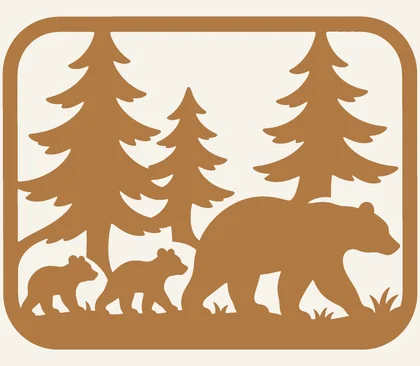 Bear and Cubs
 Lighthouse and Waves
 Cross with Dove
 Praying Angel
 Nativity Scene
 Snowflake Ornament
 Reindeer Ornament
 Christmas Tree Ornament
 Sunflower Panel
 Butterfly Mandala
 Dragonfly and Cattails
 Cat on a Crescent Moon
 Labrador Dog Portrait
 Jumping Bass Fish
 Sailboat at Sea
 Farm Tractor
 Horse Head Portrait
 Angel Ornament
 Star of Bethlehem Ornament
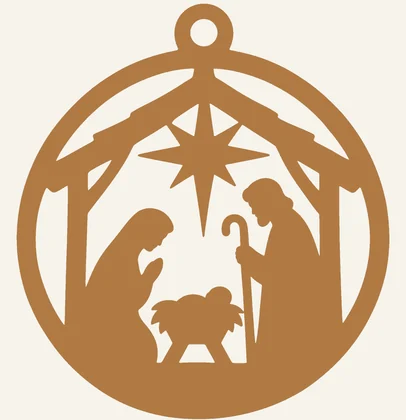 Nativity Ornament
 Snowman Ornament
 Gingerbread Man Ornament
 Santa Face Ornament
 Christmas Bells Ornament
 Christmas Wreath Ornament
 Christmas Stocking Ornament
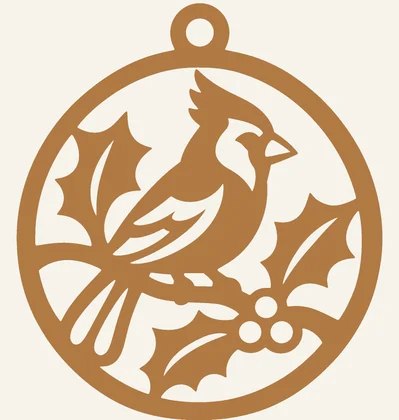 Cardinal Ornament
 Peace Dove Ornament
 Poinsettia Ornament
 Lace Snowflake Ornament
 Reindeer Head Ornament
 Filigree Bauble Ornament
 Nutcracker Ornament
 Christmas Candle Ornament
 Mitten Ornament
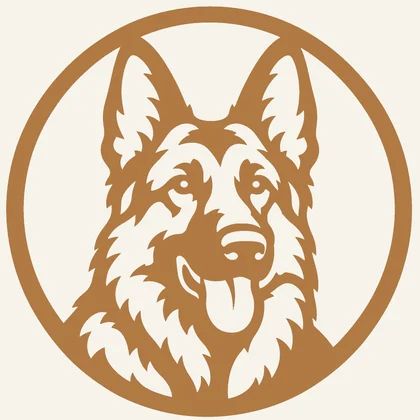 German Shepherd Portrait
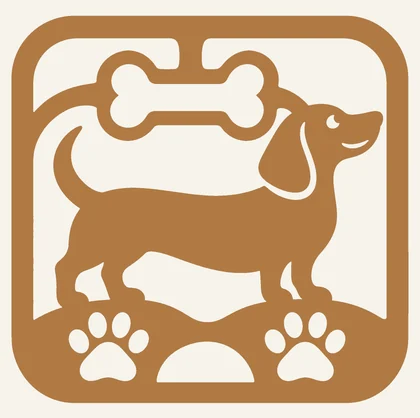 Dachshund
 Beagle Portrait
 Border Collie Running
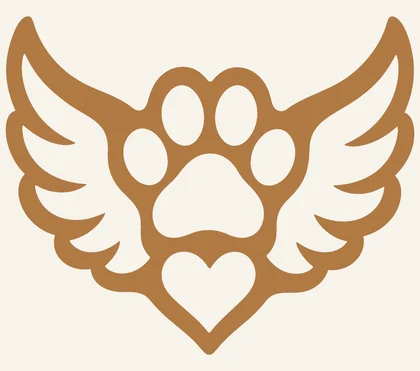 Pet Memorial Paw with Wings
 Cat in the Window
 Playful Kittens
 T-Rex Dinosaur
 Stegosaurus
 Coiled Dragon
 Eastern Dragon
 Elephant Family
 Giraffe at Sunset
 Moose in the Woods
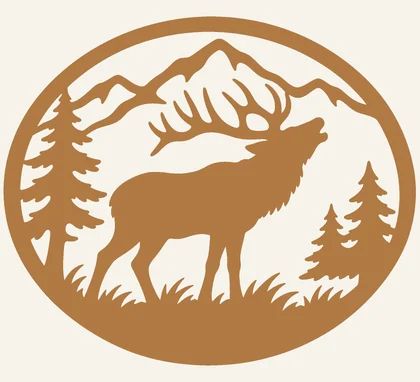 Bull Elk Bugling
 Fox in the Forest
 Mountain Lion
 Bighorn Sheep
 Sea Turtle
 Whale Tail
 Jumping Dolphins
 Octopus
 Trout Fishing
 Mallard Ducks Flying
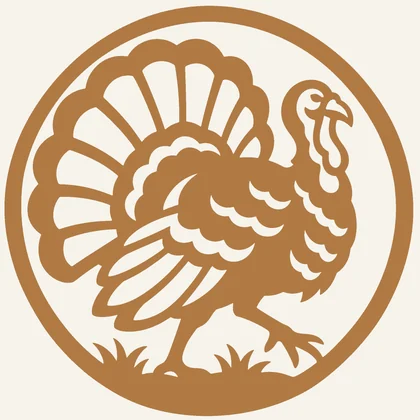 Wild Turkey
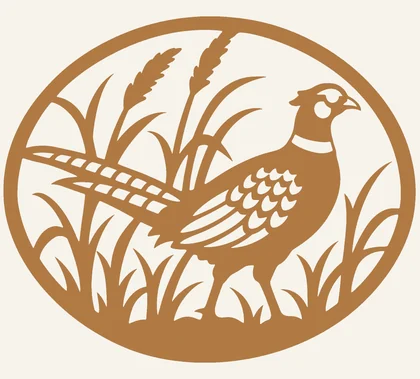 Pheasant
 Antlers and Arrows
 Blue Jay
 Chickadee in Winter
 Heron in the Reeds
 Celtic Cross
 Tree of Life
 Sun and Moon
 Mandala Flower Panel
 Compass Rose Panel
 Anchor and Rope
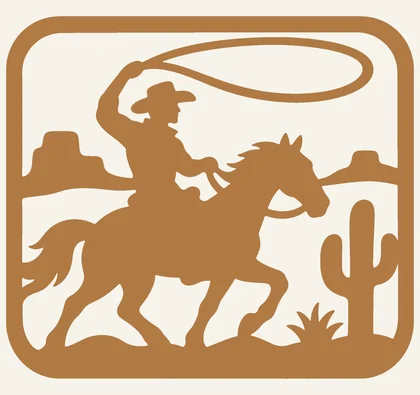 Cowboy on Horseback
 Desert Cactus Sunset
 Horseshoe and Stars
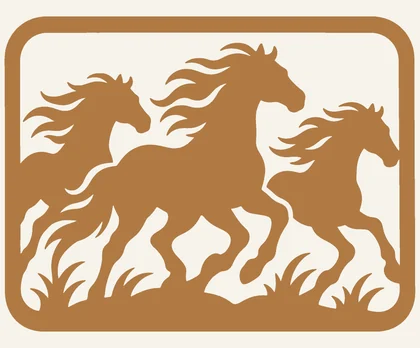 Running Horses
 Easter Cross with Lilies
 Praying Hands
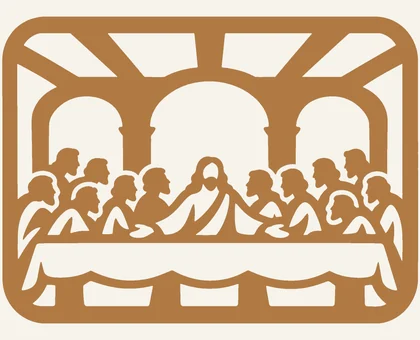 The Last Supper
 Easter Bunny
 Filigree Easter Egg
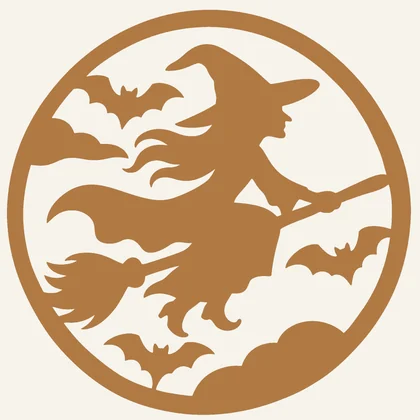 Witch and Full Moon
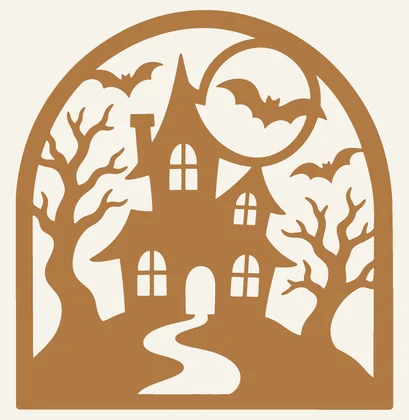 Haunted House
 Jack-o'-Lantern
 Halloween Black Cat
 Valentine Hearts
 Filigree Heart
 Soldier Saluting the Flag
 Fighter Jets
 Garden Gnome
 Golfer
 Acoustic Guitar
 Helicopter
 Motorcycle
 Steam Train
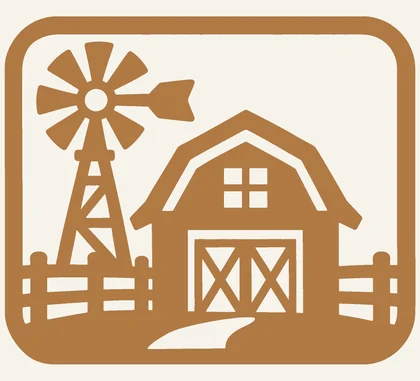 Barn and Windmill
 Rooster
 Ocean Wave
 Roses
 Tulips
 Easy Heart
 Easy Star
 Easy Butterfly
 Easy Cross
 Easy Leaf
 Easy Fish
 Easy Owl
 Easy Pine Tree
 Easy Moon and Stars
 Easy Sailboat
 Easter Egg Ornament
 Heart Ornament
 Pumpkin Ornament
 Bat Ornament
 Christmas Truck Ornament
 Church Ornament
 Dog with Santa Hat Ornament
 Cat with Christmas Lights Ornament
 Moose Ornament
 Hummingbird Ornament
 Butterfly Ornament
 Lace Star Ornament
 Leaf Earrings
 Feather Earrings
 Teardrop Filigree Earrings
 Crescent Moon Earrings
 Labrador Portrait
 Boxer Dog Portrait
 Poodle
 Husky Portrait
 Rottweiler Portrait
 Maine Coon Cat
 Cat and Butterfly
 Texas Star Map
 Michigan Map with Lighthouse
 Thanksgiving Turkey
 Cornucopia
 Celtic Shamrock
 Eagle and Flag
 Torch of Liberty
 Baseball Batter
 Fishing Boat at Sunset
 Dairy Cow
 Pig and Piglets
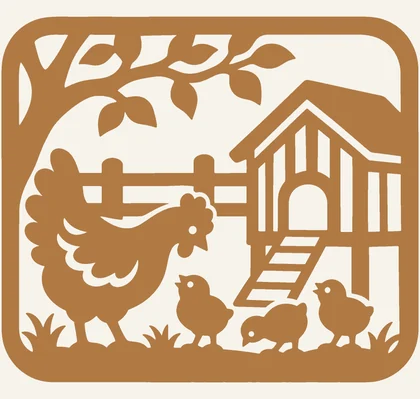 Chickens
Engraving files · wood burning designs
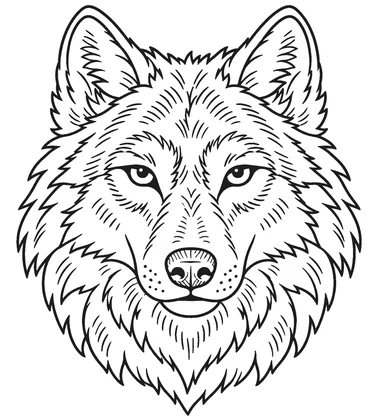 Wolf Portrait
 Bear in the Mountains
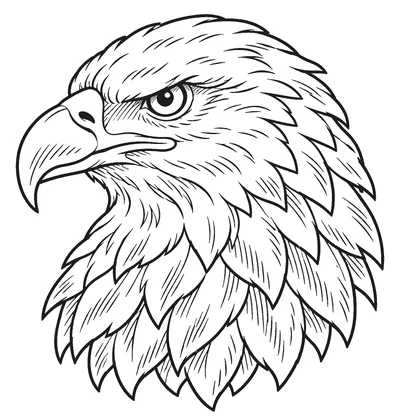 Eagle Head
 Mountain Lake Landscape
 Rose and Leaves
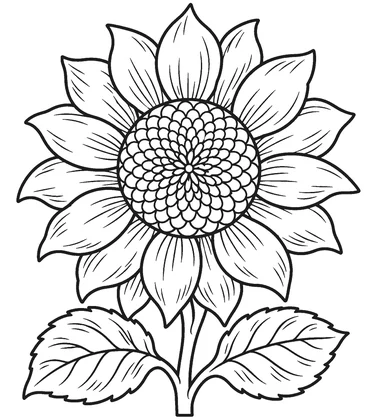 Sunflower Bloom
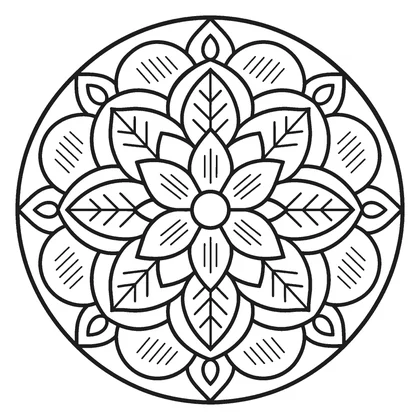 Mandala Coaster
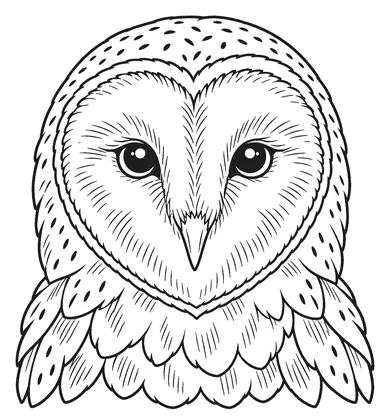 Owl Portrait
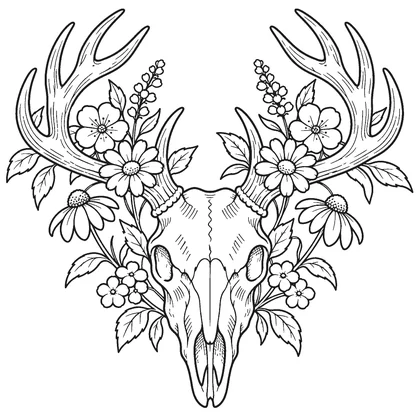 Deer Skull and Flowers
 Compass Rose
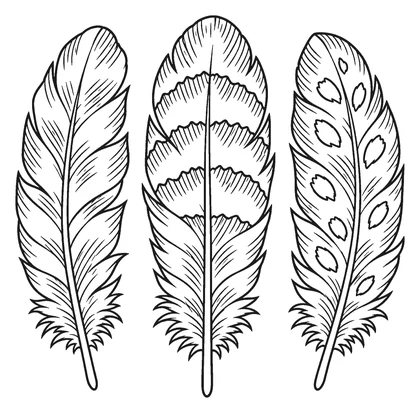 Three Feathers
 Cabin in the Pines
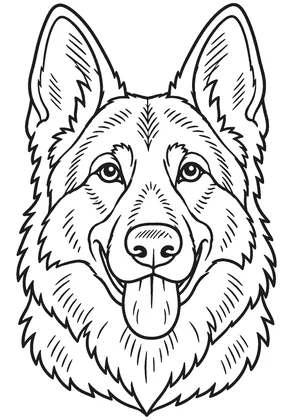 German Shepherd
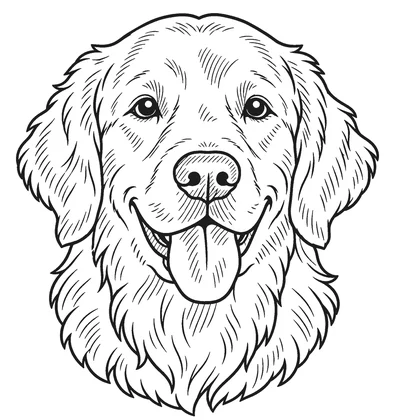 Golden Retriever
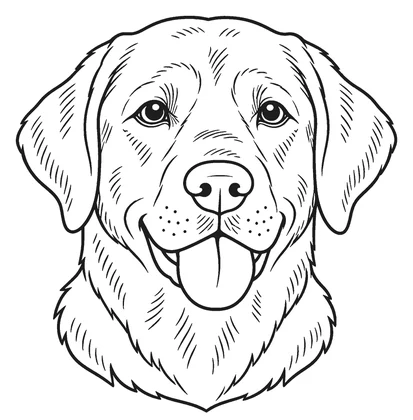 Labrador Retriever
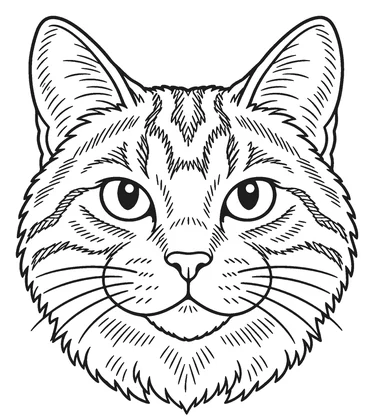 Cat Portrait
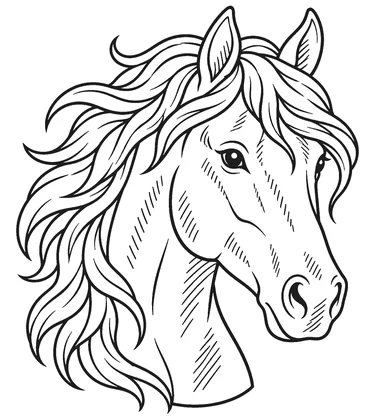 Horse Portrait
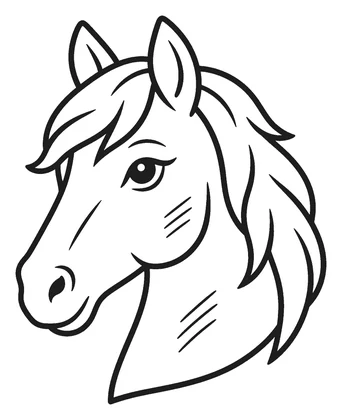 Easy Horse
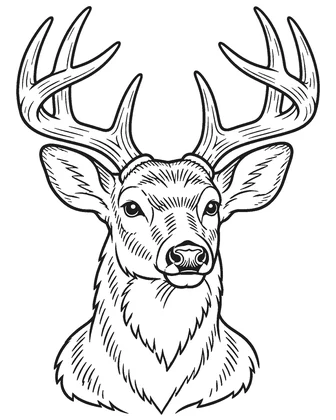 Whitetail Buck
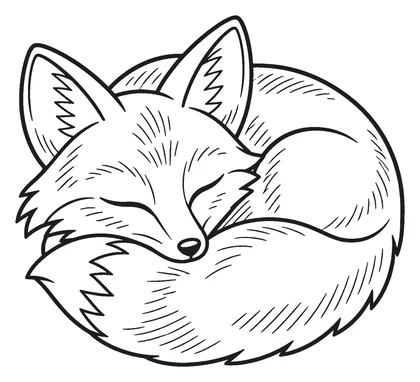 Fox
 Elephant
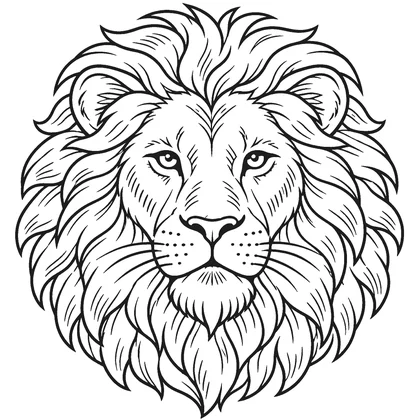 Lion
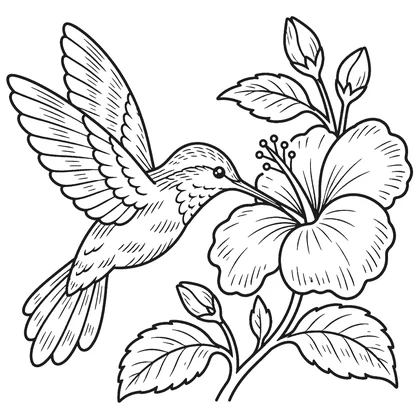 Hummingbird
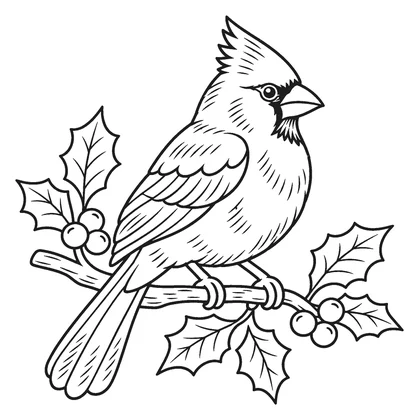 Cardinal
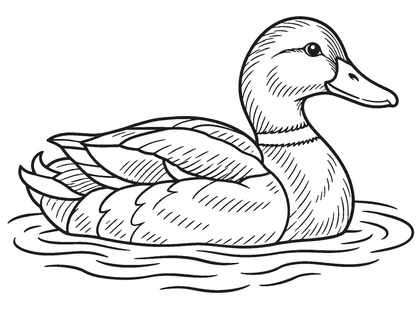 Mallard Duck
 Largemouth Bass
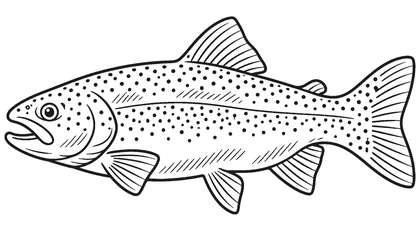 Rainbow Trout
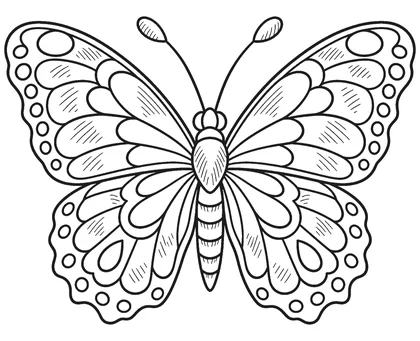 Butterfly
 Bee and Honeycomb
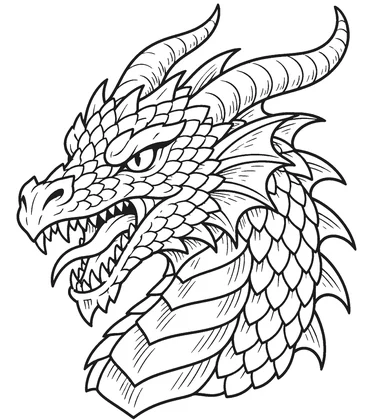 Dragon
 Skull and Roses
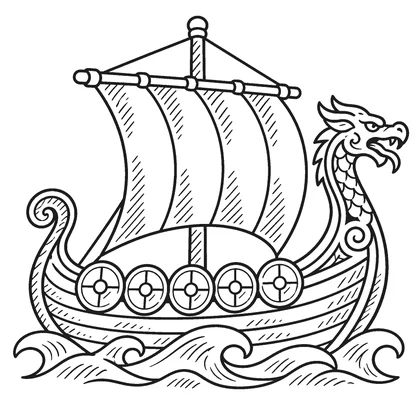 Viking Longship
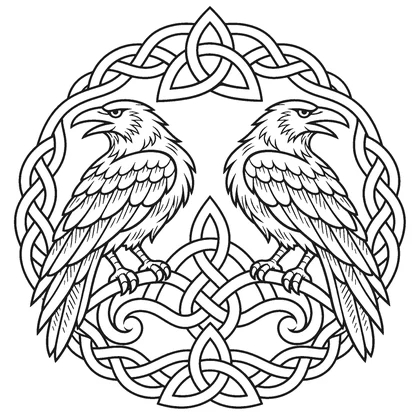 Norse Ravens
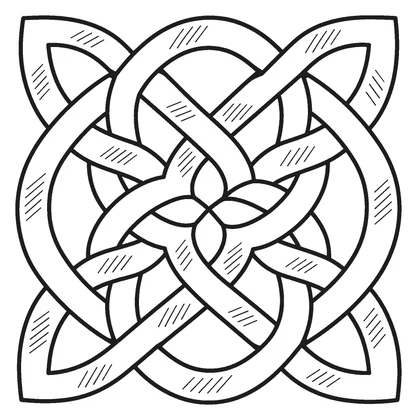 Celtic Knot
 Geometric Mountains
 Lighthouse
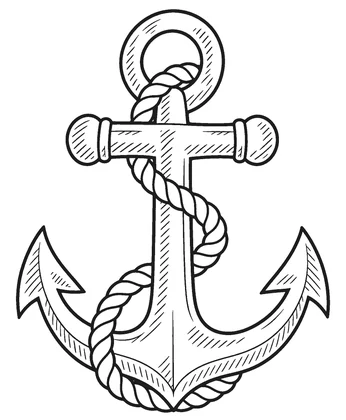 Anchor
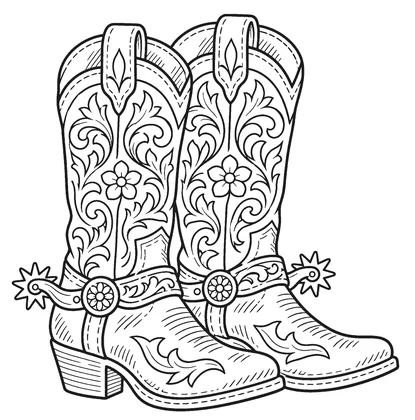 Cowboy Boots
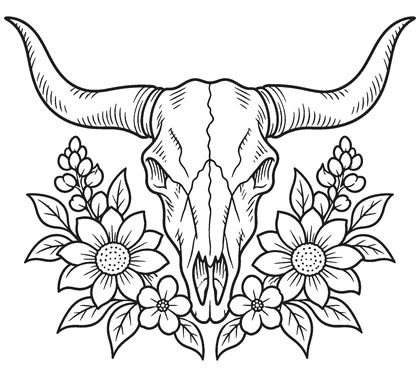 Longhorn Skull
 Cross with Dove
 Praying Hands
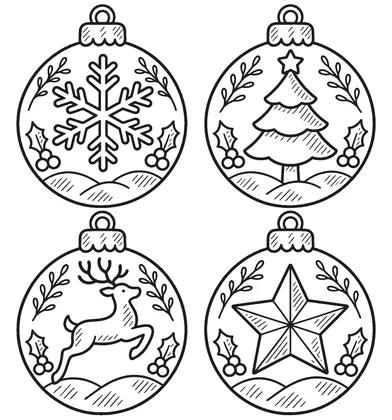 Christmas Ornament Set
 Snowman
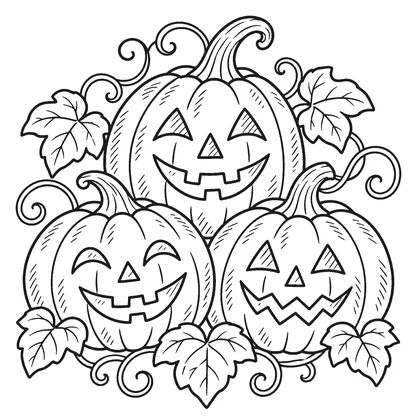 Halloween Pumpkins
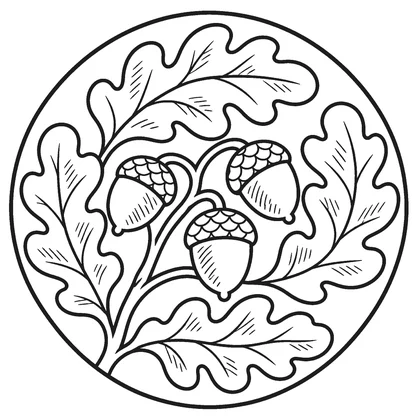 Leaf Coaster
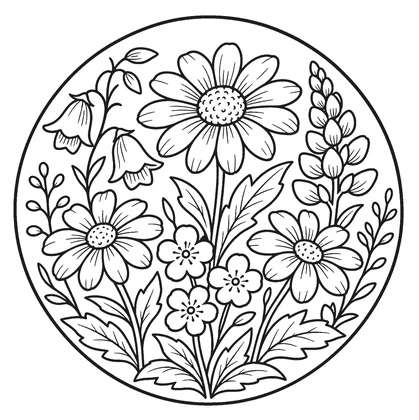 Flower Coaster
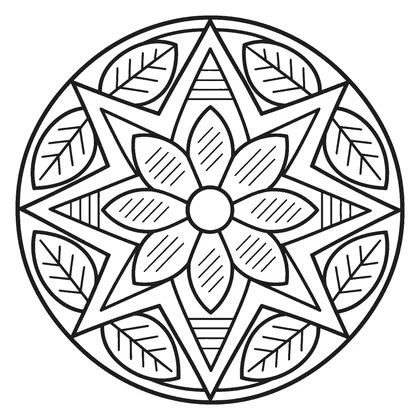 Geometric Coaster
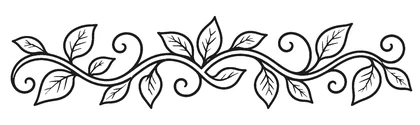 Vine Border
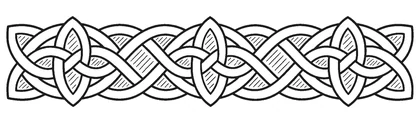 Celtic Border
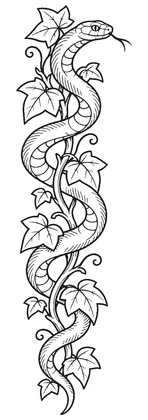 Walking Stick Vine and Snake
 Tree of Life
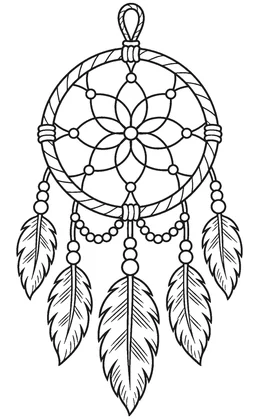 Dreamcatcher
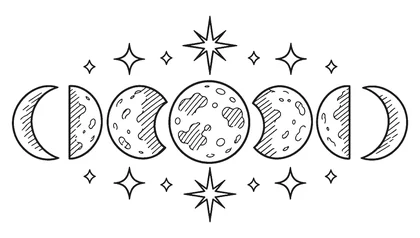 Moon Phases
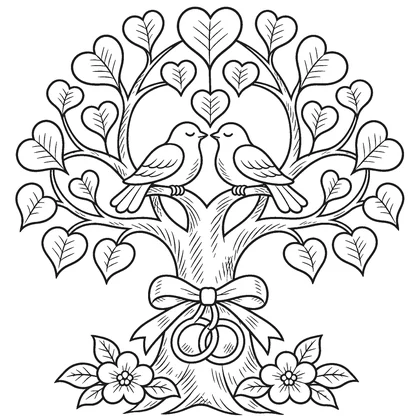 Wedding Tree with Hearts
 Easy Turtle
 Easy Sun
 Easy Mushrooms
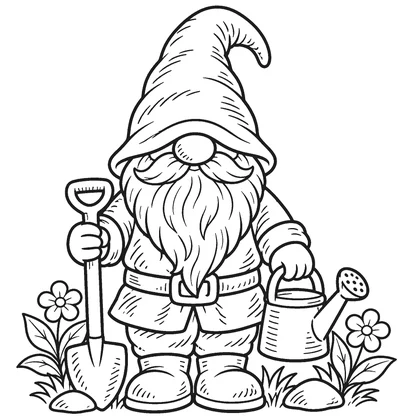 Gnome
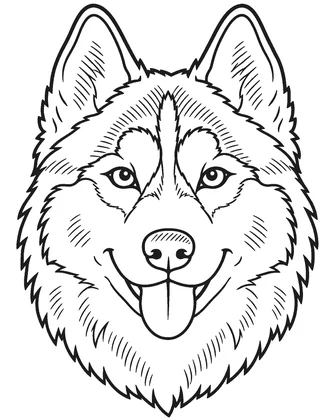 Husky
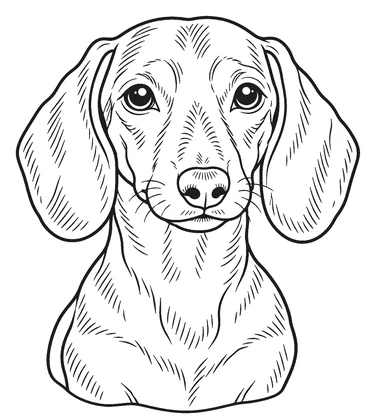 Dachshund
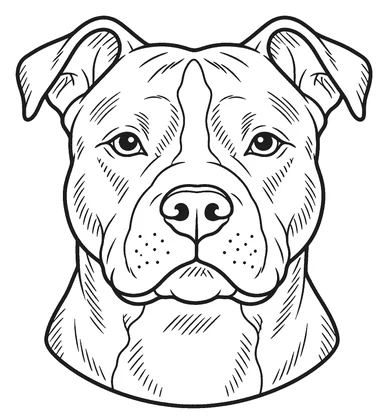 Pit Bull
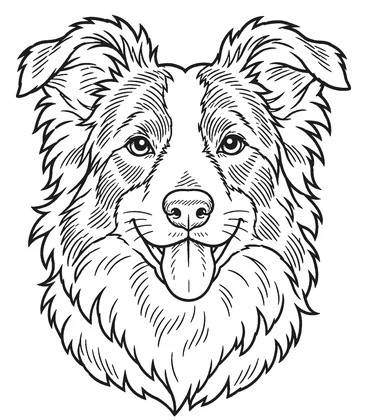 Border Collie
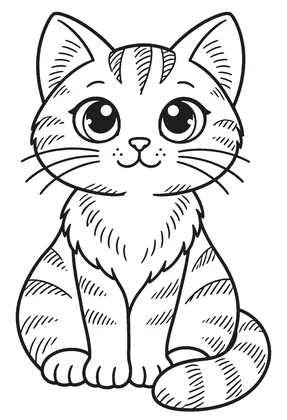 Black Cat
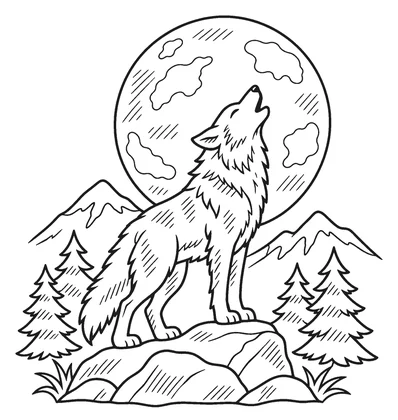 Howling Wolf
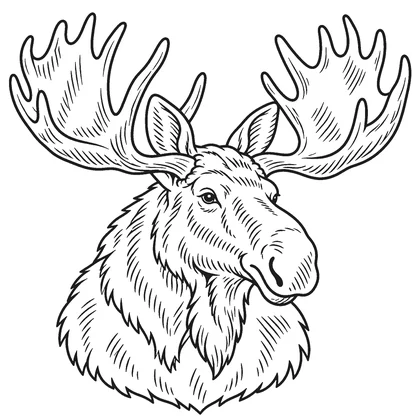 Moose
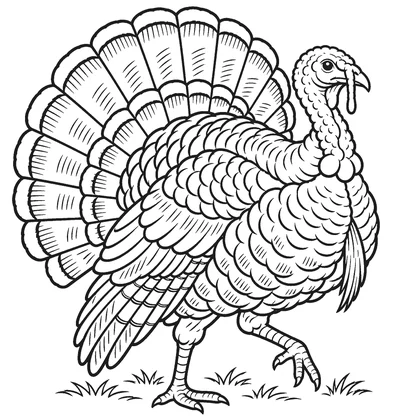 Wild Turkey
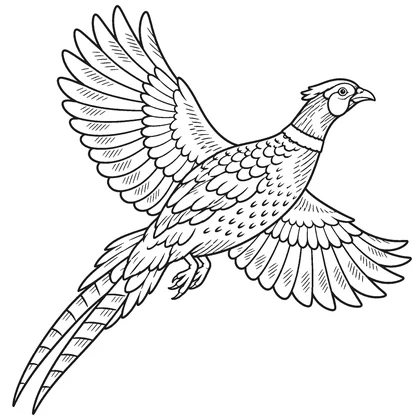 Pheasant
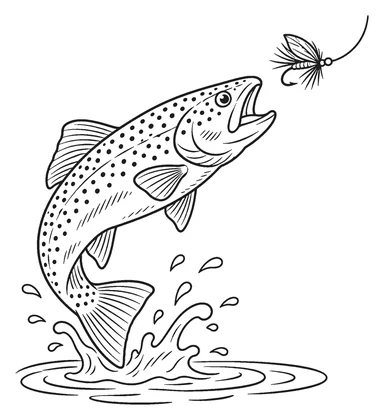 Trout and Fly
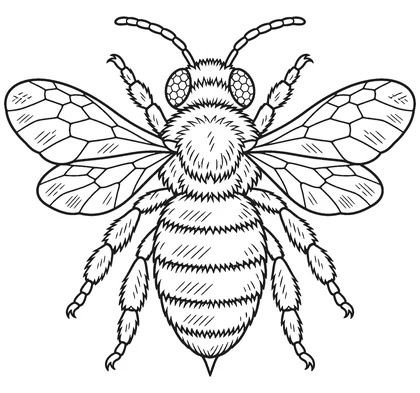 Honey Bee
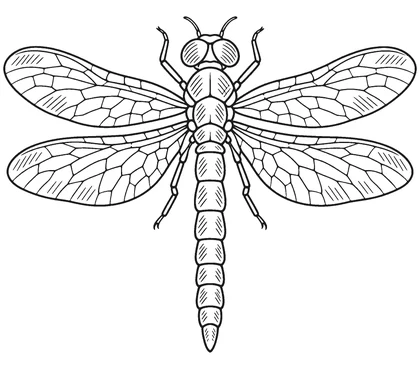 Dragonfly
 Mountain Sunrise
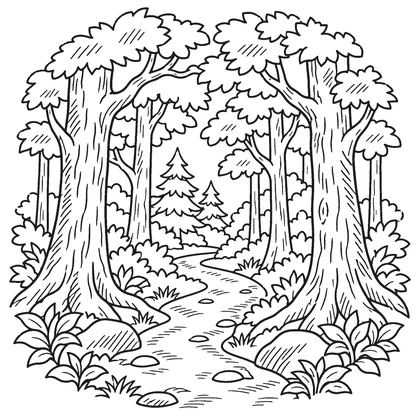 Forest Path
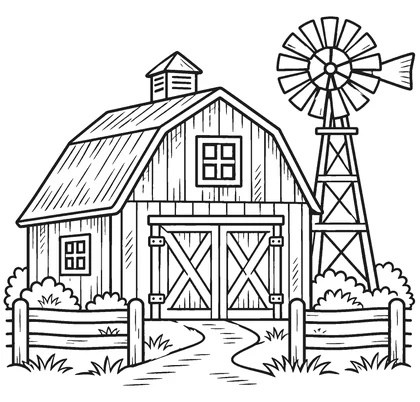 Old Barn
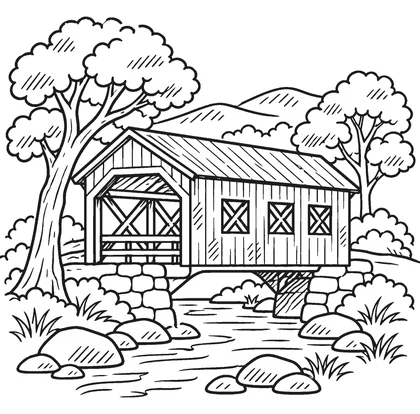 Covered Bridge
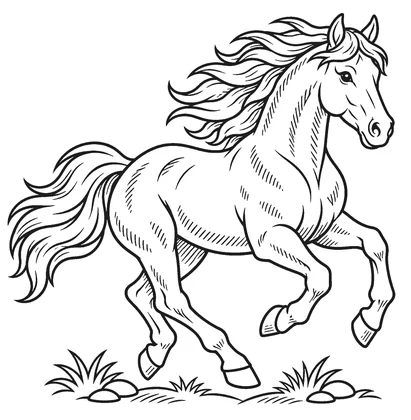 Running Horse
 Cowboy Hat and Lasso
 Cactus
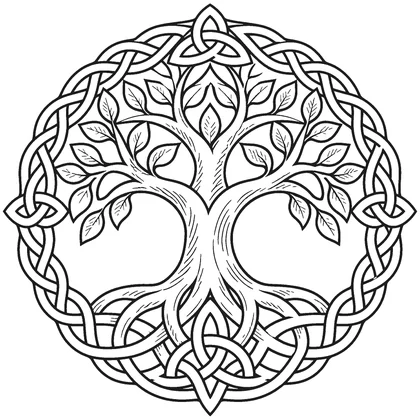 Celtic Tree of Life
Questions
Which laser software opens these files?
Any software that imports SVG: LightBurn, xTool Creative Space, Glowforge, Inkscape and others. The files are sized in inches, so they import at the stated size.
Do the cut files come out in one piece?
Yes. Every cut design is checked so all the wood is one connected shape; floating pieces are removed before publishing.
Are the laser SVG files free?
The printable PDFs are free. The vector SVG files for laser cutters are included with the 7-day Project Pass: $4.90 once, no subscription, and every SVG in the library can be downloaded during those seven days.
Can I sell what I make from these patterns?
Free for personal use. You may sell the finished pieces you make. Please do not share, resell or re-upload the pattern files.
About these designs
Designs are drawn with AI image tools, then cleaned and measured by our own software: it removes floating pieces, counts entry holes and finds the narrow bridges at the printed size. Check the printout before you cut.